Beta-Tester gesucht: Prüfpläne mit calScript schreiben und den Messplatz mit dem calServer Runner steuern.Bei der Beta mitmachen

Data migration

Switching is the trickiest part.

That is why it is guided and runs in steps you can check: connect the source, look at the data first, take it over module by module, test run before going live.

  • Connect MET/TEAM, upload MET/BASE as a file
  • Excel with column mapping instead of a fixed format
  • Migration from the older calServer generation
  • A test run before you go live
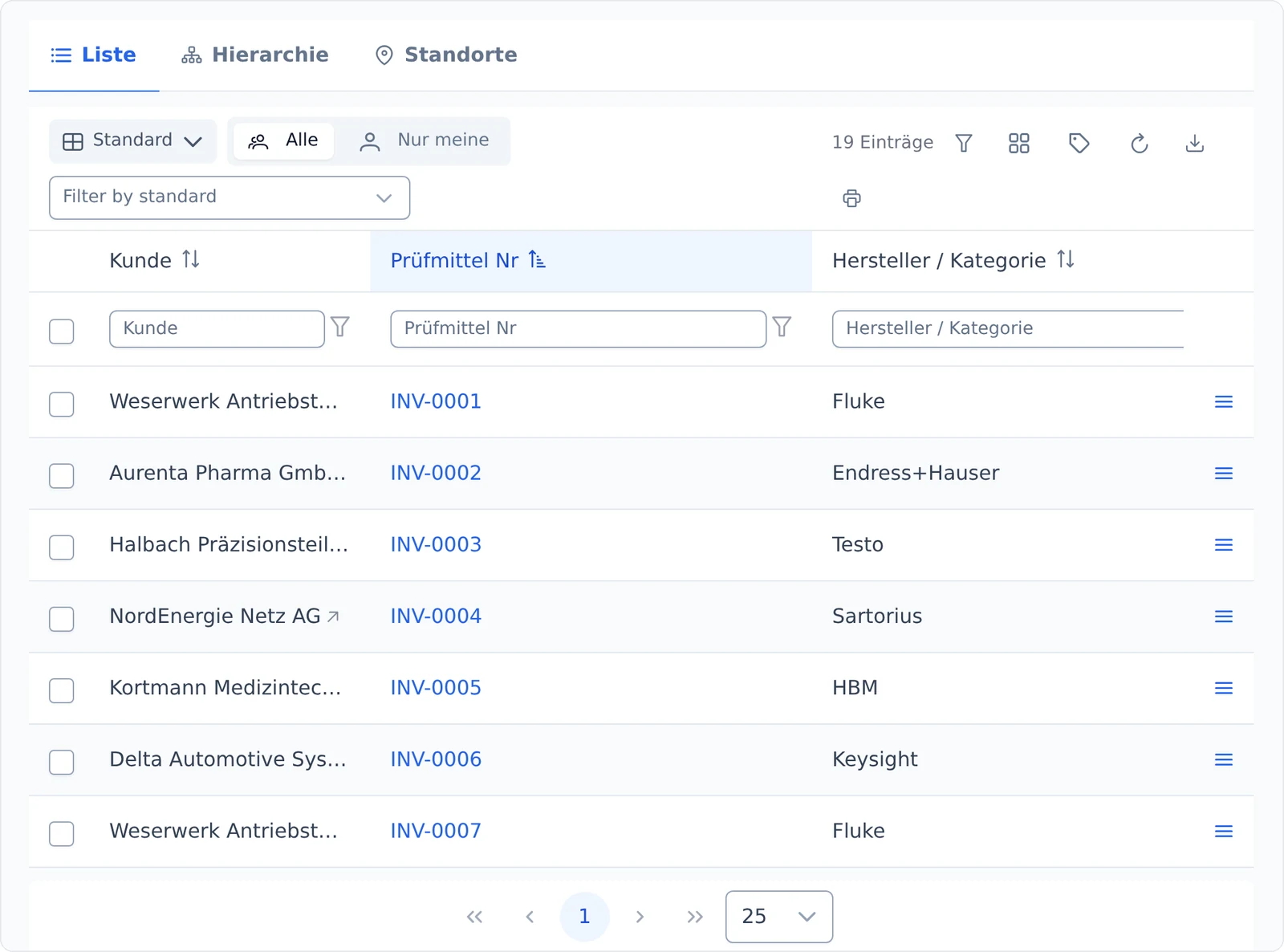
calServer inventory list with customer, equipment number and manufacturer after the data migration
Fluke is discontinuing MET/TEAM® on 2026-12-31. Here is how to switch without a break.
Switching from MET/TEAM®
Coming from MET/TRACK? Upload MET/BASE, check it and take it over with its full history.
Switching from MET/TRACK

How a data migration works

No switch on a single cut-off day. Each step can be checked on its own, and you can stop at any time.

  1. 1

    Connect the source

    Step 1

    We set up access to the current system: MET/TEAM, MET/BASE, an existing calServer installation or a set of Excel files.

  2. 2

    Look before anything happens

    Step 2

    You can view the source tables in advance. You see what is in them before anything is taken over.

  3. 3

    Map the fields

    Step 3

    Your columns are mapped to calServer fields. Whatever does not fit is created as an extra field instead of being thrown away.

  4. 4

    Take over module by module

    Step 4

    First master data, then instruments, then history. Each module separately, with a log and an error list.

  5. 5

    Test run and comparison

    Step 5

    You check samples against the current system. Only when they match do you switch over.

Questions about switching

What happens to our calibration history?
It comes along. History is the part that cannot be entered again, so the migration gives it priority.
Do we have to shut down the current system right away?
No. During the transition both systems can run side by side. With MET/TEAM, a permanent two-way sync is even possible.
Who does the work, you or us?
We agree on that beforehand and put it in the quote. The usual split: we set up the migration and run it, and you check the samples, because only you know what the data should look like.
What does the migration cost?
That depends on the amount and condition of the old data. After a look at an extract, we can name a figure instead of guessing.
And if our data is messy?
That is the normal case. Duplicates and inconsistent names can be cleaned up after the migration, if you like with AI suggestions that you confirm.